Always know what's in your bar and what cocktails you can make
You have alcohol, some beverages, and fruits, and wonder what cocktails you can make? My Bar is for you. Just choose what ingredients you have and My Bar will show you a list of all cocktails you can enjoy and offer to your friends.

Android Free Get it on Google Play
Android Pro (no ads) Get it on Google Play
iOS Download on the App Store

Features

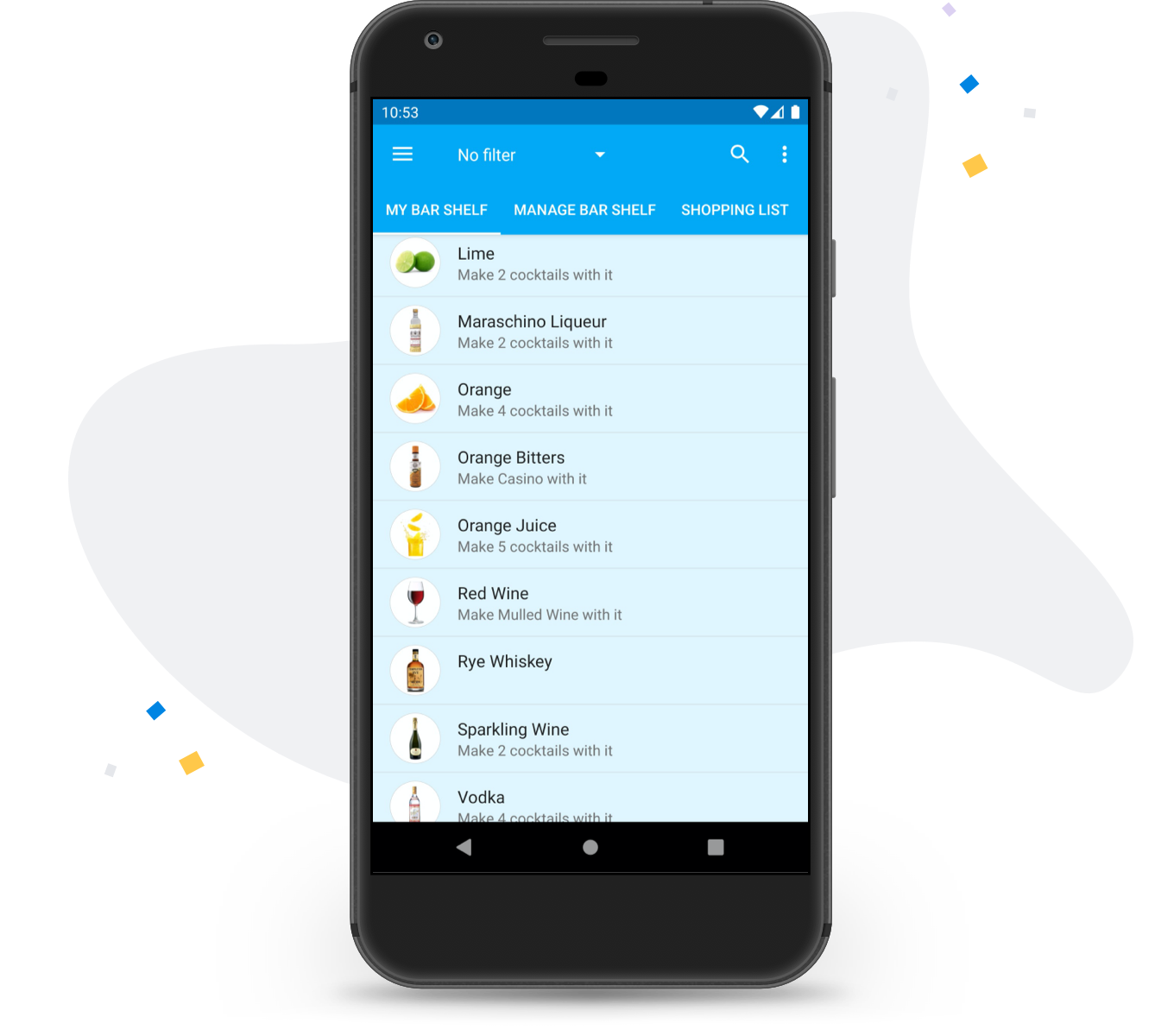
My Bar

All your ingredients in one place. For each one, quickly see how many cocktails you can make with that particular ingredient.
Screenshot of the bar shelf

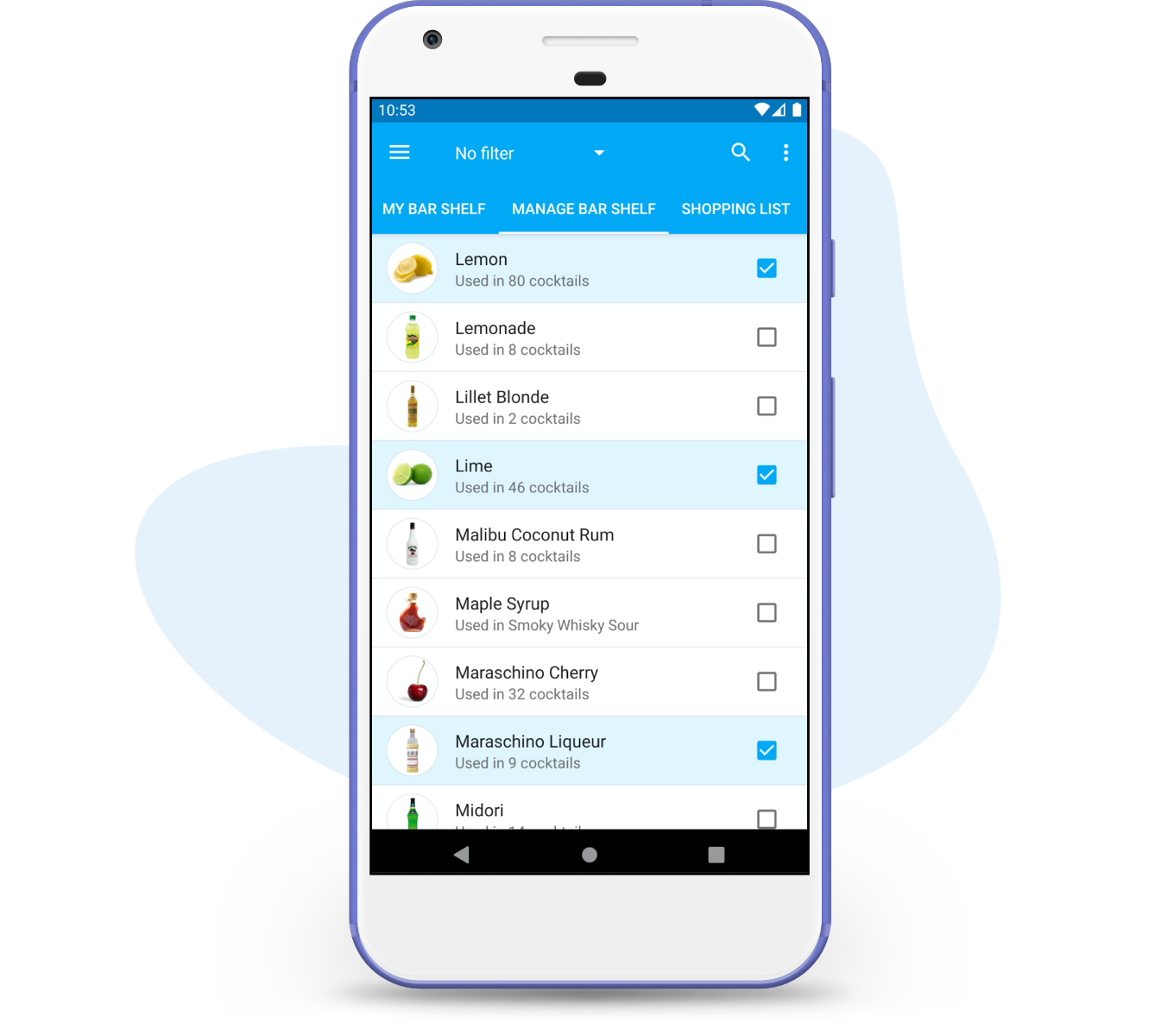
Manage Bar

Choose what ingredients are on your bar shelf, see how many cocktails are available with that particular ingredient.
Screenshot of the bar shelf management

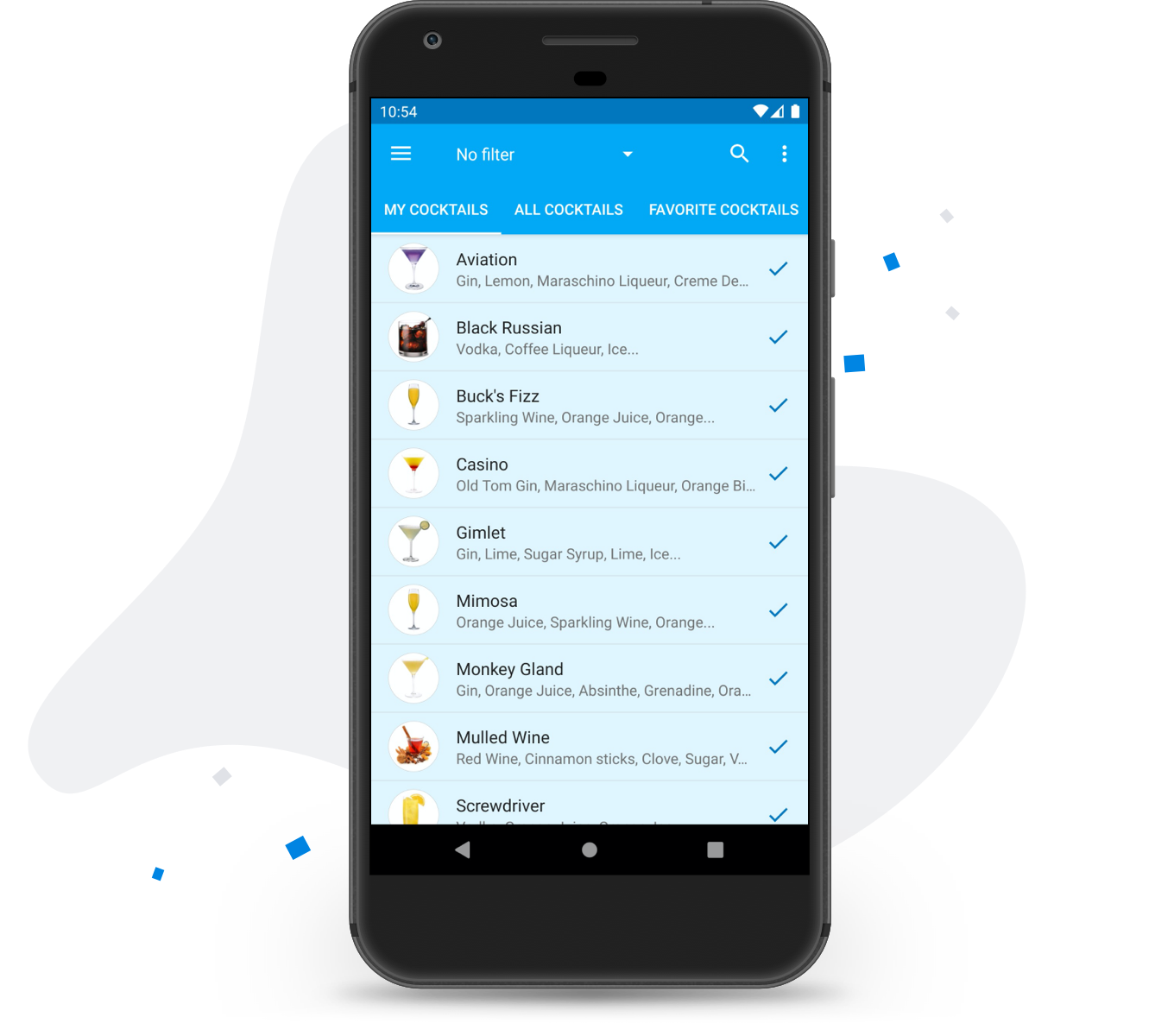
My Cocktails

All cocktails you can make using only ingredients you have. Below that list, cocktails that you can almost make, missing one or two ingredients. You can easily see what exactly you need to add to your bar shelf to expand the list of your cocktails.
Screenshot of the list of cocktails that can be made

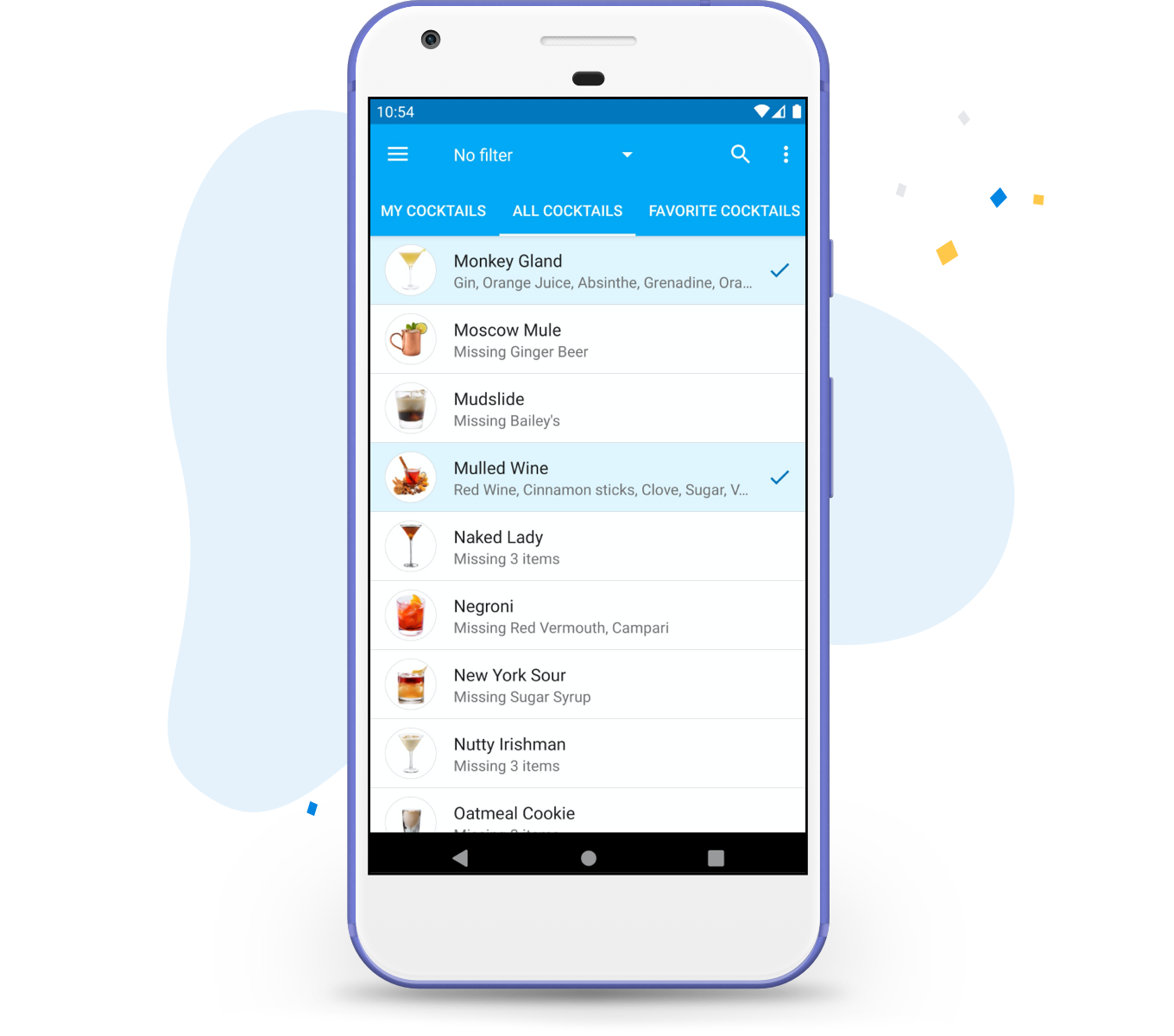
All Cocktails

Just a list of all cocktails available. Do you really care about 9000 cocktails other applications offer? Most of them you probably won't like. We include only carefully chosen and most popular cocktails. The cocktails you can make are highlighted, so you know you can make them. For other cocktails, missing ingredients are listed.
Screenshot of the list of all cocktails

Cocktail Details

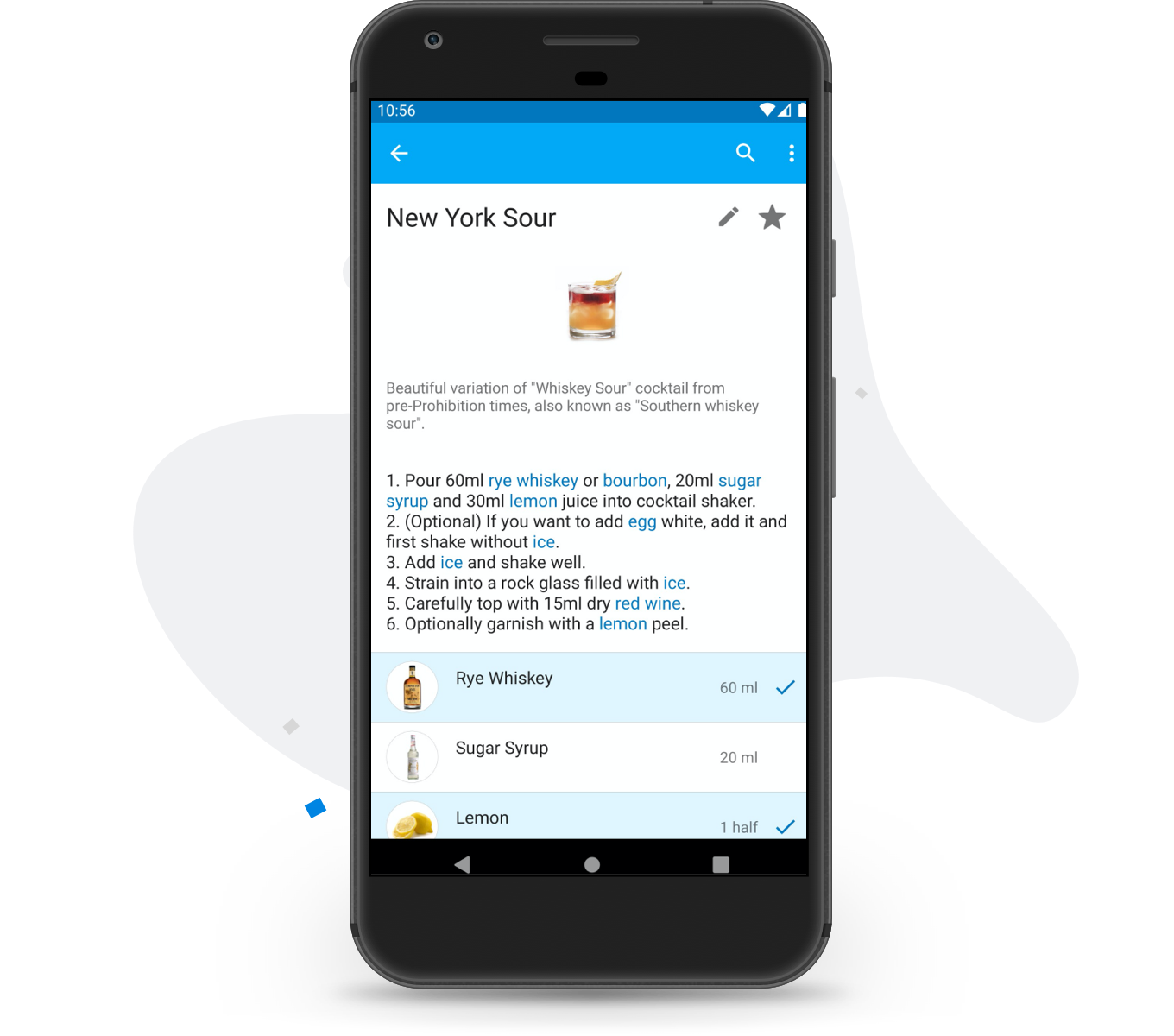
Cocktail description and a detailed recipe with the list of needed ingredients including garnish.
Screenshot of a cocktail recipe

Ingredient Details

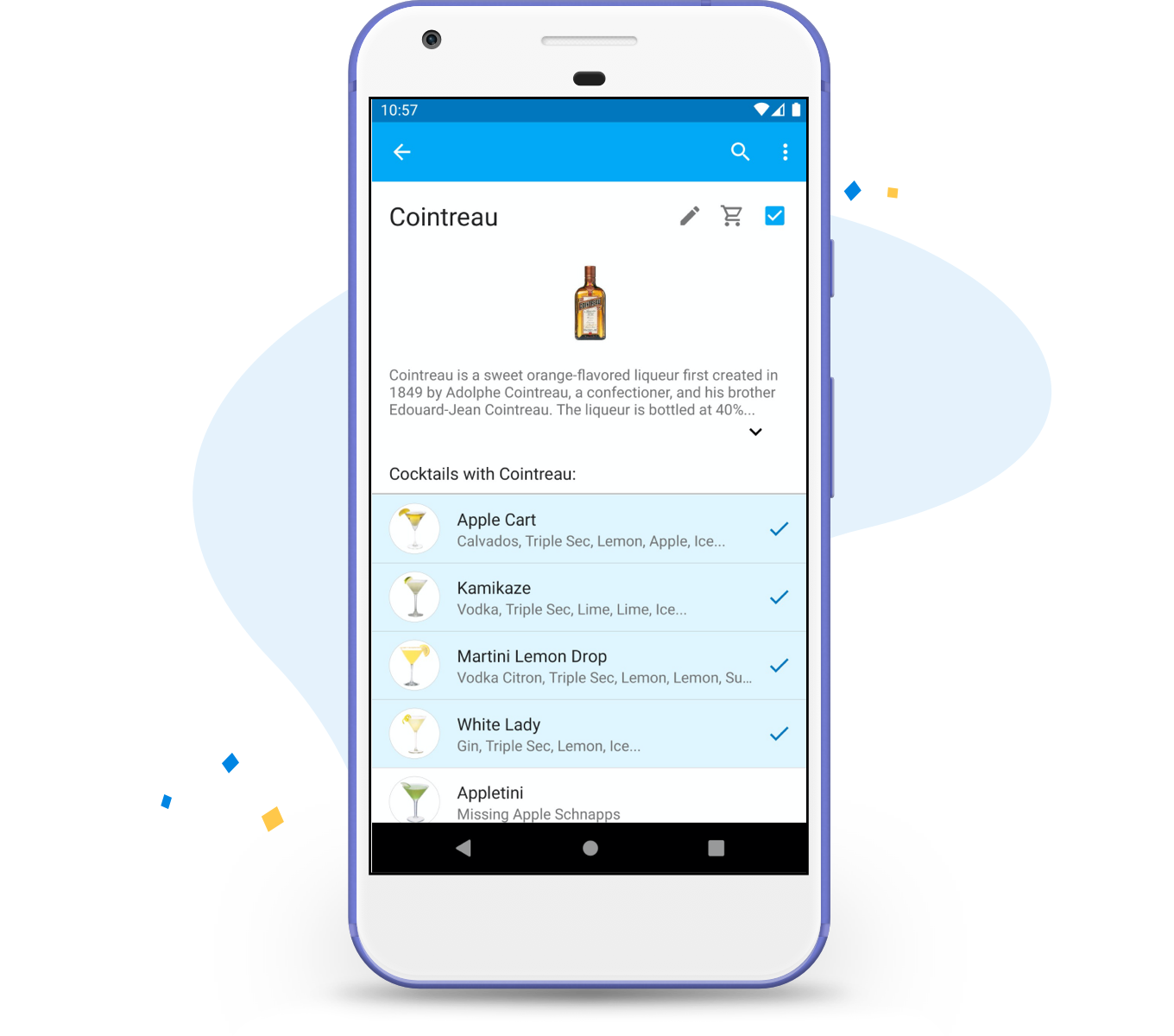
Browse all cocktails with Tequila, for example, quickly see which of these cocktails you can make right now.
Screenshot with ingredient details
Join the newsletter to receive My Bar updates.

FAQ

On iPhone, iPad and the web there are no ads on either plan. Free has a limited number of Smart Imports per week and share links. Pro is a subscription that removes the weekly import limit and allows more share links. See the Pricing page.

On Android it is different for now, and we know that's confusing. The Android app is older: it doesn't have these features yet, Free shows ads, and the only difference in Pro, a one-time purchase, is that it has no ads. If you already have the Free version, you don't need to install Pro: use the "Upgrade" button in the navigation menu to remove the ads.

We are fixing this soon: the Android app will move to the same model as iPhone and the web. Ads will be gone for everyone, and Pro will be a subscription.

Yes, on iPhone, iPad and the web. Smart Import uses AI to turn a photo or pasted text, such as a page from a book or a bar menu, into a cocktail you can review before saving. You need to sign in to use it. Free has a limited number of imports per week, and Pro has no weekly limit.

Yes, on iPhone, iPad and the web. Use the share button on a cocktail or a cocktail list to create a public link. Anyone with the link can open it in a browser and see those cocktails and their ingredients, including your own recipes. You can stop sharing at any time in "Manage shared links". Free has a limited number of links, and Pro allows more. The Android app doesn't have this yet.

No, you can start without one. On iPhone, iPad and the web, sign in with Google or Apple to back up your bar and keep it in sync across your devices. You can delete your account and all your data at any time in Settings.

Yes. The web app runs in any modern browser, has a layout made for large screens, and there is nothing to install. Sign in with the same account as on your phone to see your bar there. On a Mac with Apple silicon, you can also install the iPhone and iPad app from the App Store.

Yes. My Bar for iPhone and iPad is on the App Store, and that is the version we recommend. If you'd like to try new features early, join the beta through TestFlight at https://testflight.apple.com/join/a324F6v8. Beta versions can have more bugs; feedback is welcome at contact@mybarapp.com.

The best way to support development is to go Pro — it directly funds the app:

No pressure at all. If you'd also like to leave a small tip, you can optionally buy me a coffee on Ko-fi — a separate platform, not part of My Cocktail Bar's checkout: